Key takeaways
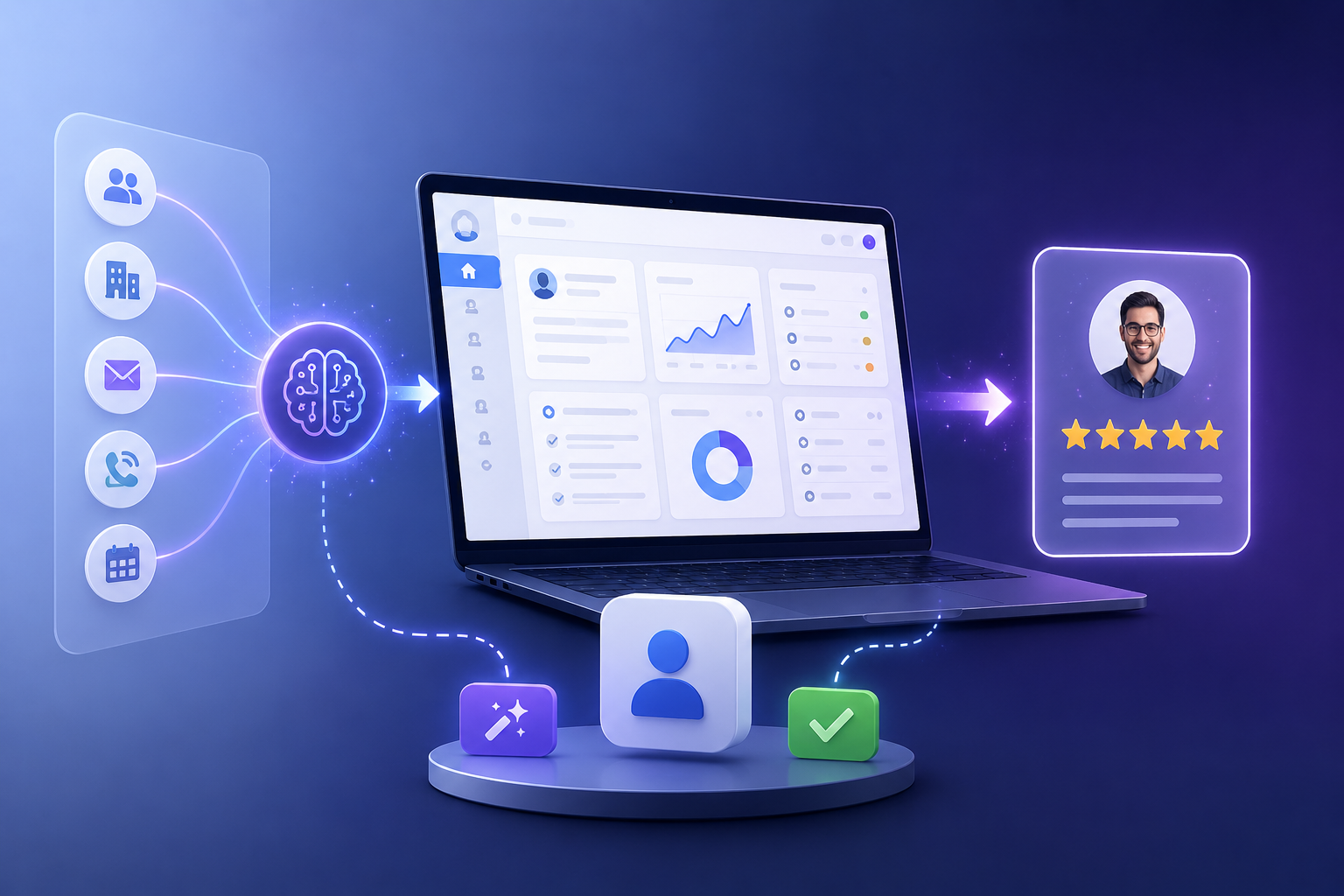
- A single natural-language prompt is decomposed into an ordered task plan: collections → relations → roles/ACL → pages → workflows.
- The AI emits schema-validated declarative metadata, never executable code; a fixed, tested runtime interprets it.
- The changeset review enumerates every mutation, shows dry-run results, and names any data at risk — destructive items require individual confirmation.
- Runtime AI Employees (here: a deal summarizer) operate under the same permissions as human users and cannot touch the build surface.
- Later extensions (“add quote generation”) go through the identical propose → validate → dry-run → approve pipeline. Governance does not decay as the app grows.
The prompt
The whole exercise starts in the Studio with one sentence to the build-time agent:
Behind that input is a LangGraph-orchestrated agent running against a local LLM via Ollama — on your GPU host, inside your network. Nothing about this prompt, your schema, or your data leaves your infrastructure. That matters here because a CRM is precisely the kind of system whose context (customer names, deal values) you do not want streamed to a third-party API as a side effect of building the tool.
Task decomposition: what the agent actually plans
The agent does not free-associate an app. It produces an ordered task plan, and the order is the point — each layer depends on the one before it:
- Collections.
customers(name, company, email, phone, owner),deals(title, value, stage, expected close date, owner),activities(type, notes, timestamp) — each field typed against the platform’s field-type registry. - Relations. A customer has many deals; a deal has many activities; deals and customers belong to an owning user. These become real foreign-key relationships, not loose references.
- Roles and ACL. A
sales_reprole scoped to records they own, asales_managerrole with team-wide read — expressed as ACL metadata that the server enforces down to PostgreSQL Row-Level Security. Ownership scoping is not a UI filter; it is a database-enforced policy. - Pages. A customers table with a detail view, a deal form, and the pipeline itself — a kanban block grouped by stage, one of the six built-in block types (table, form, detail, list, kanban, chart).
- Workflows. A stage-change workflow: when a deal moves to “Closed Won,” log an activity and notify the owner via the messaging integration.
Each artifact the agent emits is validated twice before any human sees it: Zod schema validation (is this structurally legal metadata?) and business-rule validation (do these relations resolve? do the ACL references exist?). If validation fails, a repair loop retries against the specific error up to three times, then escalates instead of forcing through something broken. The full pipeline is described on the how-it-works page.
The changeset review: what you actually see
This is the step most AI app builders skip, and it is the heart of the product. Because the build touches many artifacts, everything is grouped into one changeset presented for review. The review screen is not a diff of generated code — there is no generated code. It is an enumeration of structural mutations:
- Every mutation, listed. Three collections to create, eleven fields, four relations, two roles with their ACL rules, three pages, one workflow. Nothing is summarized away; each item is individually inspectable.
- Dry-run results. The proposed migration has already been executed as a dry run against the database. You see what the migration will do — tables created, policies applied — verified against reality, not predicted.
- Data at risk. On this first build, nothing — it is all additive, and the review says so explicitly. Later, when a change would drop a field or narrow a type, that item is flagged as destructive and must be individually confirmed, with the affected data named. You cannot bulk-approve your way past a destructive change.
Reviewing this changeset takes a few minutes, because you are reading structure — “create collection deals with these nine fields” — rather than auditing a thousand lines of framework code for injection bugs. This is the practical consequence of the metadata-not-code architecture: the AI emits validated configuration, so review is a tractable human task instead of a hopeful skim.
Approve, apply, live
On approval, the changeset applies transactionally — either the whole CRM exists or none of it does, and no user request ever sees a half-applied app. The approval itself lands in the append-only audit log with your identity as the approving actor and ai_build as the proposing actor. Six months from now, “who created the deals collection and on whose authority?” is a query with an answer.
The CRM is now live: reps see their own customers and pipeline, managers see the team’s, and the kanban view drags deals between stages. The permission model is enforced in three server-side layers — role ACL, forced PostgreSQL Row-Level Security, field-level masking in SQL — detailed in the Trust Center.
Adding an AI Employee for deal summaries
With the structure live, the afternoon’s second act is operational AI. We attach an AI Employee beside the deal detail view with one job: summarize a deal — recent activities, stage history, open questions — for whoever is looking at it.
The critical property is what this AI Employee cannot do. It is role-bound and restricted to data-only tools (read, summarize, extract, classify, fill_form, answer). It sees a deal only if the viewing user’s role could see it — the same ACL, the same Row-Level Security, the same field masking, enforced server-side. And it is hard-denied the build surface: a runtime AI Employee cannot create fields, alter workflows, or touch configuration, no matter what a prompt asks of it. The two AI planes — the one that builds and the one that operates — cannot cross, and that boundary is tested adversarially.
Extending later: “add quote generation”
Two weeks on, sales wants quotes. The request is another sentence:
The pipeline is identical: task plan (a quotes collection related to deals, a quote_line_items collection, a detail page, a workflow to mark a deal “Quoted”), per-artifact validation, migration dry-run, changeset review, approval, audit entry. The system does not become less governed as it grows — the hundredth change clears the same gate as the first. This is the difference between a platform and a prototype generator: the prototype is fast once; the platform stays fast and reviewable for the life of the system. When the app is ready to move beyond one team, signed bundle export promotes it dev → test → prod with the same diff, dry-run, and approval discipline — and enterprise deployments add SSO/OIDC and air-gapped operation on top.
The point: the review is the feature
An afternoon produced a permissioned, workflow-backed, AI-assisted CRM. But plenty of tools can produce something fast. What made this build fit for a business is that at no point did anything exist that a human had not seen enumerated, dry-run, and approved — and that every one of those decisions is in an append-only log. Speed with governance is not a compromise between the two; the governance is what makes the speed safe to use on systems that matter. See the full feature set or deployment options to try the same build yourself.
Frequently asked questions
Does the AI write the CRM's code?
No. The build-time AI emits schema-validated declarative metadata — collections, fields, relations, pages, workflows, ACL — which a fixed, hand-built, tested runtime interprets. Because it emits validated configuration rather than executable code, it cannot inject arbitrary logic; every proposal is schema-checked and dry-run before you approve it.
What happens if the AI gets something wrong during the build?
Validation failures trigger a repair loop: the agent retries up to three times against the specific validation error, and if it still cannot produce a valid artifact it escalates to you rather than forcing something through. Invalid configuration never reaches the approval gate, and nothing is applied without approval.
Can the AI Employee that summarizes deals modify the CRM?
No. Runtime AI Employees are restricted to data-only tools such as read, summarize, extract, and classify, operate under the same role ACL, PostgreSQL Row-Level Security, and field masking as human users, and are hard-denied the build surface server-side. The build-time and runtime AI planes cannot cross — a boundary tested adversarially.
Does the approval gate slow the build down?
Reviewing a changeset takes minutes because every mutation is enumerated with dry-run results and named data-at-risk — you read structure, not generated code. That review is what makes it defensible to build this fast: speed without inspection is how internal tools become unauditable liabilities.
Watch this build happen live
Bring your own use case — a CRM, a tracker, an operations tool. We will build it in the demo and walk you through the changeset review together.
Self-hosted — your data never leaves your network · Every change human-approved and audit-logged · SSO/OIDC available · We support your security review